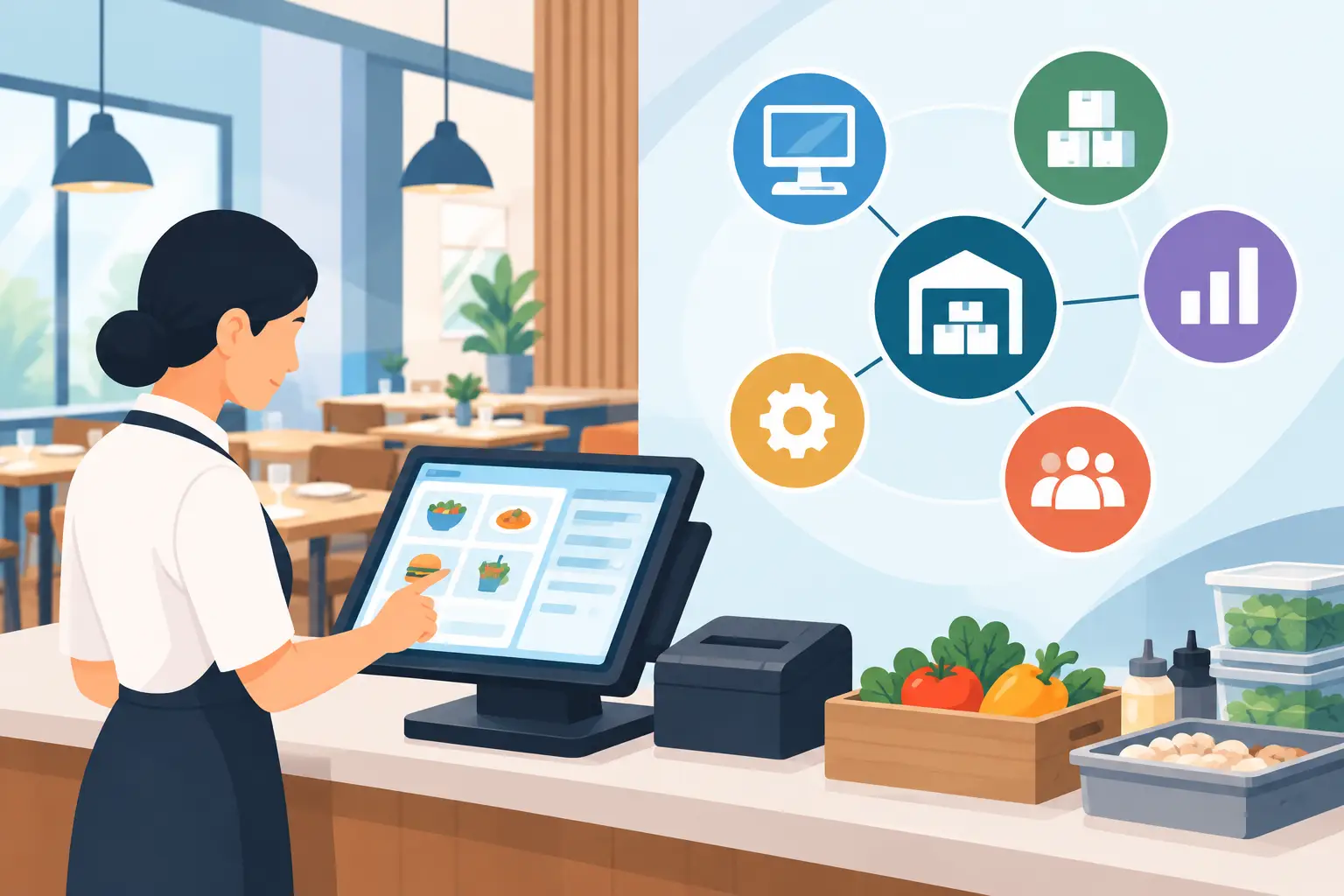
As digital transformation sweeps through the food and beverage (F&B) industry, many restaurant owners start their journey with user-friendly ordering tools like CocoMart. For single-location startups, these platforms work great—they quickly eliminate the chaos of scattered LINE messages, phone calls, and lost paper invoices.
However, as your restaurant brand expands into a multi-store chain, your ingredient list expands, and store management gets more complex, a simple realization hits: basic online ordering is no longer enough.
To protect your bottom line, headquarters needs deep cost control, automated financial reconciliation, and multi-store visibility.
If you're managing a growing brand and evaluating whether it's time to look for a CocoMart alternative, this article objectively breaks down the operational bottlenecks growing chains face—and outlines the top 5 considerations when upgrading to an enterprise-grade chain restaurant procurement system.
1. Recognizing the Boundaries of Basic Ordering Tools
Let’s be clear: CocoMart is an excellent entry-level ordering tool. Its intuitive interface and low learning curve make it a fantastic choice for single stores or small teams with straightforward purchasing needs.
However, as your business grows, the natural limits of basic ordering tools begin to surface:
- Tracking "spending" instead of "recipe margins (BOM)": You know how much you spent on ingredients, but you can't instantly see how raw material price hikes are eating into specific dish profit margins.
- Heavy manual reconciliation: Matching store receiving slips, vendor delivery notes, and accounts payable (AP) invoices still consumes dozens of hours of manual finance work every month.
- Limited chain-level management: Growing chains need nuanced permissions—like centralized headquarter approvals, store purchasing limits, and inter-store inventory transfers—which basic ordering platforms aren't built to handle.
2. 5 Key Considerations When Upgrading Your System
When moving from 1–2 locations to 5, 10, or more, your system needs to evolve from a simple "ordering app" into a profit command center. Here are the 5 essential features to look for when upgrading:
1. Dynamic Recipe BOM & Real-Time Margin Tracking
A professional system goes beyond recording purchase prices—it links raw material costs directly to your Bill of Materials (BOM) for every dish. When ingredient prices fluctuate, the system automatically recalculates dish costs and flags margin drops, letting management adjust pricing or supplier strategies proactively.
2. Multi-Store Permission Controls & Central Procurement
To leverage economies of scale, chain brands usually negotiate vendor pricing at headquarters while stores handle daily ordering. Advanced systems allow HQ to set purchasing caps, restrict supplier access per branch, and enable seamless store-to-store inventory transfers to prevent overstocking.
3. Automated 3-Way Reconciliation & Finance Integration
Handling receiving, returns, and invoice matching manually is exhausting. Look for a system that automates 3-way matching (Purchase Orders + Delivery Receipts + Invoices) to streamline Accounts Payable and drastically reduce human error.
4. POS Integration & Variance/Waste Analysis
Basic tools can't tell you where your inventory actually went. An upgraded procurement system connects directly with your POS sales data to calculate theoretical inventory based on recipes. Comparing this against actual physical inventory instantly highlights kitchen waste, spoilage, or shrinkage.
5. API Flexibility & Future Scalability
Your system should grow with you. Ensure the platform offers flexible APIs to integrate seamlessly with your existing POS, ERP, or accounting software so you won’t have to replace your entire tech stack again in 3 to 5 years.
3. The Bottom Line: Choosing the Right Tool for Your Stage
Software isn't inherently "good" or "bad"—it’s about finding the right fit for your current business stage.
- Single-store operators & early-stage startups: If your main goal is simple, hassle-free ordering, CocoMart is a lightweight, convenient starting point.
- Growing chains & multi-brand restaurant groups: If you need real-time recipe cost tracking, multi-unit governance, and automated financial workflows, Costflows is built specifically for your next phase of growth.
Costflows empowers growing F&B brands to move from basic purchasing to data-driven cost control—helping you protect your margins at every stage of expansion.
Frequently Asked Questions
Q1: Who is CocoMart best for, and when should a restaurant look for an alternative?
A: CocoMart is ideal for single-location restaurants, startups, or simple setups looking to replace manual phone and messaging orders. However, when a brand expands to multiple locations, manages complex inventory, or requires automated invoice reconciliation and dynamic recipe (BOM) cost analysis, it's time to evaluate a dedicated CocoMart alternative like Costflows.
Q2: What are the main limitations of basic ordering software when scaling a restaurant chain?
A: The primary limitations of basic ordering software for growing chains include: a lack of dynamic BOM/recipe margin tracking, insufficient multi-store permission controls and inventory transfers, manual accounting reconciliation, and an inability to integrate with POS data for food waste analysis.
Q3: What are the most critical features to look for in a chain restaurant procurement system?
A: When choosing an enterprise chain restaurant procurement system, look for these 5 core capabilities:
- Dynamic BOM recipe cost & real-time margin tracking
- Multi-store permission governance & central purchasing rules
- Automated 3-way invoice matching & finance integration
- POS sales integration for theoretical vs. actual inventory variance analysis
- Flexible API integration with existing POS and ERP software
.png)

訂閱最新消息
不要錯過任何餐飲的資訊
.jpg)