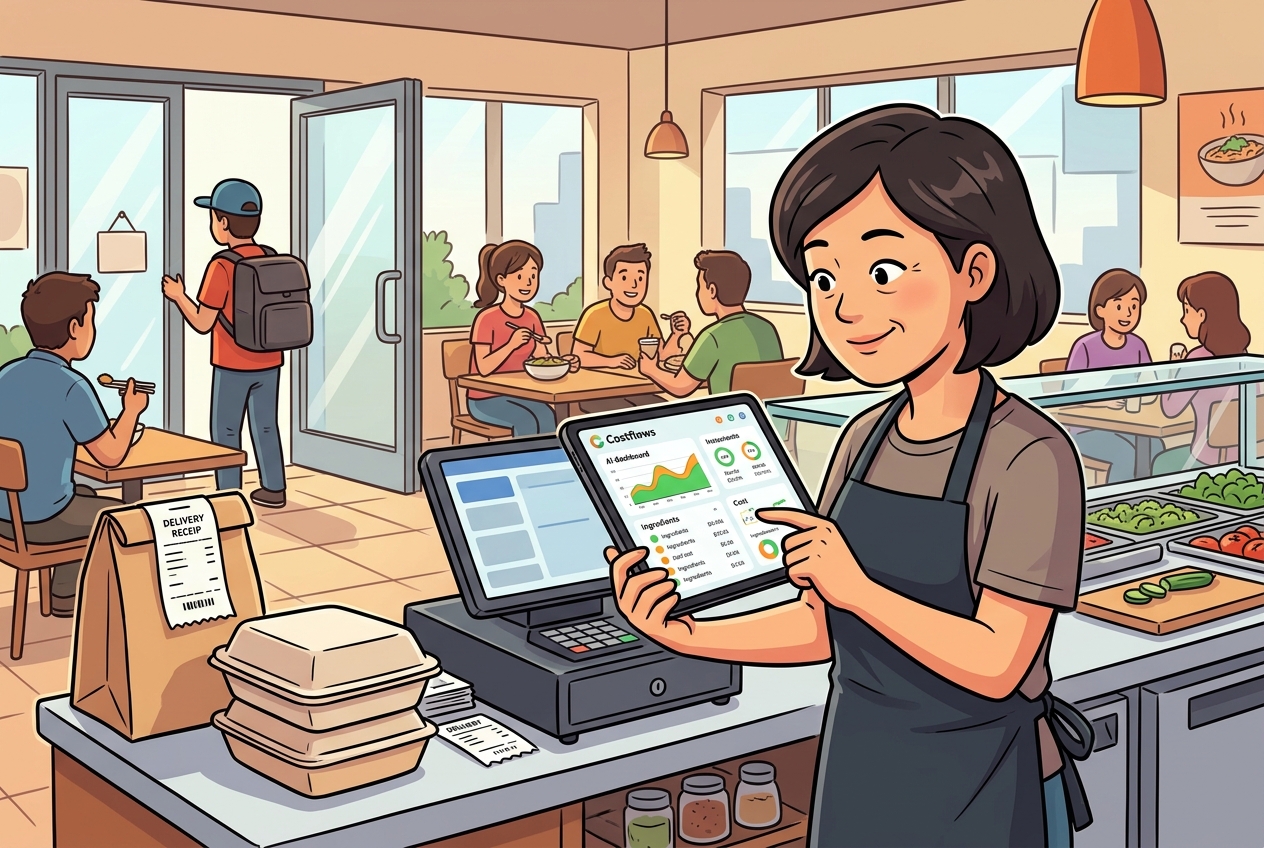
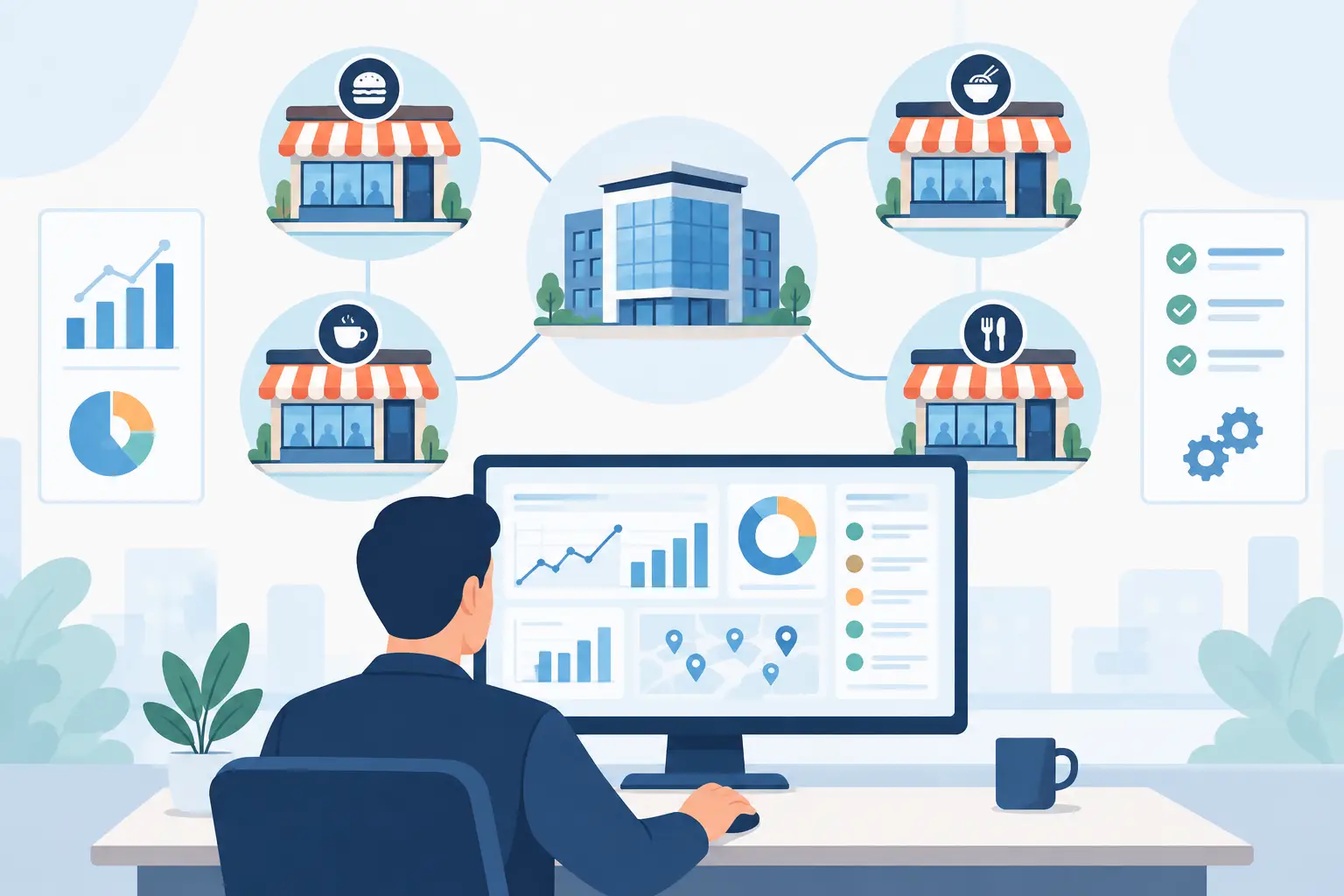
In an era of skyrocketing global inflation and rising labor costs, precise food cost control isn't just nice to have—it's a matter of survival for modern restaurants. As F&B brands, chain groups, and central kitchens expand, they often hit the same operational brick wall: invoices piled high like mountains, realizing they lost money only at the end of the month, and clunky legacy restaurant inventory management systems that staff actively avoid using.
With hundreds of restaurant management systems on the market, should you stick with a traditional ERP package or upgrade to a modern, AI-powered cloud cost management solution? In this article, we dive deep into the 5 core differences between Costflows and traditional restaurant ERPs to help you choose the right digital transformation strategy for your brand.
Why Are Legacy Restaurant ERPs Falling Behind Modern Dining Demands?
Most traditional restaurant ERP systems were originally built around manufacturing or retail logic. While feature-packed (covering HR, general ledger, fixed assets, and more), they often prove far too complex for daily Back-of-House (BOH) kitchen operations.
The reality in a busy kitchen? Suppliers change prices constantly, handwritten delivery slips get lost, and chefs simply don't have time to sit at a computer typing data. When data entry fails, even the most powerful system becomes useless.
Costflows vs. Traditional Restaurant ERPs: 5 Key Differences
1. AI-Powered Document Recognition vs. Tedious Manual Data Entry
- Legacy Restaurant ERP: Requires admin or accounting staff to manually type line items, quantities, and unit prices from paper invoices—a time-consuming and error-prone nightmare.
- Costflows: Powered by Costflows Intelligence (our specialized AI document engine), simply snap a photo or upload a PDF. In seconds, AI invoice recognition automatically captures itemized details with over 98% accuracy, freeing your team from manual entry forever.
2. Real-Time Recipe Cost Tracking vs. Lagging Month-End Financials
- Legacy Restaurant ERP: Food costs are only revealed at the end of the month during P&L reconciliation. By the time you notice shrinking margins, the damage is already done.
- Costflows: The moment AI scans a new invoice, the system automatically updates theoretical recipe costs and dish profit margins in real time. Chefs and operators can instantly see how price spikes impact menu profitability and make agile pricing or sourcing decisions.
3. Laser-Focused on Kitchen & Supply Chain vs. Overly Complex Modules
- Legacy Restaurant ERP: Tries to do everything, resulting in rigid inventory workflows (like multi-layer approvals and complicated storage locations) that store staff and chefs actively resist.
- Costflows: Built specifically for kitchen reality. It focuses on purchasing, quick mobile stocktakes, store transfers, waste tracking, and central kitchen (CK) production—featuring an intuitive UI that requires zero weeks of heavy training.
4. Lightweight Cloud SaaS & Open APIs vs. Expensive, Closed Legacy Systems
- Legacy Restaurant ERP: Heavy upfront licensing or high customization costs, requiring expensive local servers. Closed architectures charge steep fees just to connect to your existing POS.
- Costflows: A cloud-based SaaS subscription with no special hardware required. Thanks to open APIs, it seamlessly integrates with your existing POS (automatically deducting inventory upon order) and cloud accounting software (like Xero or QuickBooks) for a hassle-free upgrade.
5. Agile Store & Central Kitchen Collaboration vs. Rigid Inventory Workflows
- Legacy Restaurant ERP: Transferring items and consolidating demand between stores and the central kitchen is clunky and slow, failing to match the fast-paced daily prep needs of modern dining.
- Costflows: Store managers can place orders to the central kitchen or external suppliers with one tap on their phones. The central kitchen automatically consolidates multi-store demand into production and purchasing plans, streamlining supply chain efficiency.
Conclusion: Which System Is Right for Your Restaurant?
If your business requires enterprise-wide HR, fixed asset tracking, and heavy corporate accounting, a traditional ERP still holds value. However, if you want to eliminate paper invoice headaches, gain real-time food cost control, maximize menu margins, and empower store and kitchen staff with software they’ll actually enjoy using, Costflows is the modern, high-ROI AI solution built for F&B.
Frequently Asked Questions (FAQ)
Q1: We already have a POS system. Do we still need Costflows?
A: Yes! Your POS system handles "Front-of-House (FOH)" ordering, checkout, and store sales. Costflows focuses on "Back-of-House (BOH)" operations—ingredient purchasing, AI invoice recognition, recipe costing, and restaurant inventory management. Costflows connects to your existing POS via API, automatically deducting inventory as dishes are ordered to keep your front and back office perfectly in sync.
Q2: Is Costflows' AI invoice recognition really more accurate than manual typing?
A: Absolutely. Costflows Intelligence is specifically trained on F&B invoices, handwritten receipts, damaged paper slips, and varied supplier formats. With an accuracy rate of over 98%, it reduces hours of manual entry to seconds while eliminating costly human typing errors and missed unit prices.
Q3: How long does it take to implement Costflows? Will it disrupt our daily operations?
A: Not at all. While legacy ERP rollouts take months, Costflows runs on a cloud-based SaaS model with no complex hardware required. Most restaurants and chain brands complete system setup and staff training within 1 to 2 weeks, allowing you to go live smoothly alongside daily operations and start enjoying automated cost control immediately.
.png)

訂閱最新消息
不要錯過任何餐飲的資訊