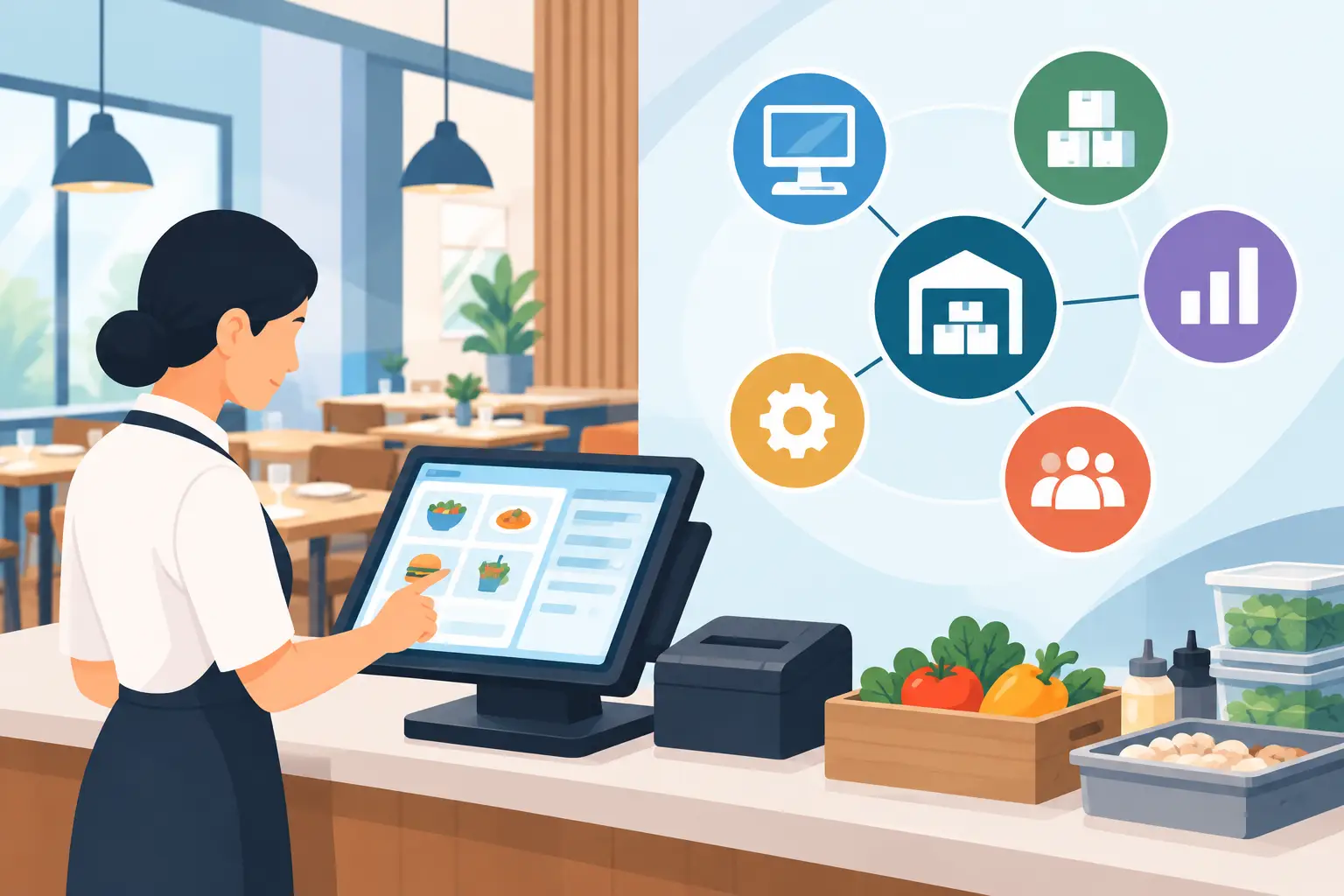
[Key Takeaway] The real power of integrating restaurant inventory with accounting isn't just "connecting software"—it's creating a single, verifiable chain of data from purchasing, receiving, and stocktakes all the way to accounts payable. By automating invoice capture and tracking costs in real time, management can catch price spikes and waste immediately, protecting gross margins long before month-end statements arrive.
When a busy restaurant generates steady revenue but reports disappointing profit margins at the end of the month, the problem usually isn't accounting—it's delayed data. Purchase orders live on WhatsApp, delivery dockets sit on restaurant counters, stock counts are scribbled on paper, and invoices wait weeks before hitting the back office. By the time management sees the numbers, supplier price hikes and inventory waste have already eaten away at profits.
A true inventory-to-accounting setup ensures procurement, receiving, stock levels, POS sales, waste, and payables run on the exact same numbers. If store staff still copy orders manually, even the best accounting software will only summarize outdated results.
Why Restaurant Inventory and Accounting Rarely Align
Food cost data doesn't come from a single supplier invoice. A delivery box might be split between branches, meat might be processed in a central kitchen before transfer, and raw ingredients are regularly used for staff meals, menu tasting, or waste. When purchasing, inventory, and accounting operate in silos, missing entries, late logging, or unit mismatches create immediate gaps between book inventory, actual stock, and cost reports.
Traditional workflows rely on store managers accepting paper dockets, back-office clerks retyping them into Excel, and accountants entering bills at month-end. This is not only slow—it breaks accountability. Management can't tell whether a discrepancy stems from short deliveries, receiving errors, kitchen over-portioning, or missing stock counts.
Integration creates a traceable audit trail for every operational move. Purchase orders establish expected prices, receiving logs confirm actual quantities, inventory movements record transfers and waste, and accounting receives verified bills. Everything flows from one unified process.
Restaurant Inventory & Accounting Integration: 4 Approaches Compared
1. Excel + Basic Accounting Software: Lowest Cost, Lowest Control
Many single-location restaurants use spreadsheets for ordering and stocktakes, forwarding invoices to accountants once a month. While it saves initial software costs, the real expense shows up later in manual double-checking, hunting down missing dockets, and fixing spreadsheet errors.
Excel can calculate basic numbers, but it won't alert you to sudden supplier price increases or unusual ingredient usage. It works for tiny operations with few items where the owner inspects every invoice, but fails for growing brands needing multi-store visibility or approval controls.
2. Standalone Inventory Systems: Great for Stock, Disconnected from Finance
Standalone inventory software handles stock counts, receiving, transfers, and low-stock alerts—giving kitchens great operational visibility. However, if bills still need manual re-entry into accounting or export via static CSV files, data breaks down at department handoffs.
This approach helps establish stocktake discipline, but fails to sync purchasing totals, supplier payment terms, and accounts payable in real time. Management sees "how much stock is left," but stays blind to "how much this inventory hurt profit margins."
3. Accounting Software as the Core: Strong Finance, Weak Operations
Accounting platforms like Xero or QuickBooks excel at general ledgers, accounts payable, bank reconciliations, and financial statements. They build financial discipline, but aren't built for recipe costing, yield conversions, store transfers, or theoretical menu costs.
Managing ingredients solely through accounting forces store teams to keep separate logs for waste and usage. Financial reports may be accurate, but they lack operational agility. Restaurant managers need to know today which ingredient jumped in price or which location has high waste—not just total food cost weeks later.
4. Connected Procurement, Inventory, POS & Accounting: Highest ROI
The best approach for multi-store brands, central kitchens, and franchises centers on restaurant operations. Data starts right at the front lines: store teams photograph delivery dockets and log waste on smartphones, purchasing tracks orders by supplier and price, kitchens track usage against recipes, and POS sales drive automated theoretical cost analysis.
When verified invoices sync directly into accounting, back-office teams eliminate manual data entry while maintaining complete audit trails. While this requires standardizing item names, units, and recipes upfront, it turns tribal knowledge into streamlined, scalable systems.
Evaluating Integration: Look Beyond "Having an API"
Having an API means systems can talk, not that data will flow correctly. Evaluation should start where documents enter the workflow. If invoices are retyped manually, integration simply pushes mistakes faster downstream.
The first critical factor is automated invoice capture and verification. Does the system support smartphone photos, handwritten dockets, and varied supplier formats? Can it extract dates, line items, quantities, unit prices, and tax terms automatically? Structuring data upfront gives procurement and accounting a common ground. Costflows uses AI document capture combined with human verification to achieve 99.8% accuracy, tackling the most tedious part of restaurant bookkeeping.
The second factor is item and unit management. Suppliers sell in "cases," kitchens prep in "kilograms," and recipes measure in "grams." The system must seamlessly handle unit conversions; otherwise, recipe costs and stock balances remain inaccurate even if invoices sync successfully.
The third factor is sync direction and timing. Real integration isn't just exporting data one-way at month-end. Purchase orders, receiving discrepancies, supplier credits, payment statuses, and chart-of-accounts mapping need clear rules. Real-time or daily syncing empowers timely management decisions.
Focus on Bringing "Actual Costs" Back to Menus and Stores
The goal of inventory integration isn't making warehouse numbers look neat—it's protecting profitability. Restaurants must be able to compare POS sales, theoretical recipe costs, actual purchases, and stocktakes side by side.
For example, if a signature dish has a theoretical food cost of 28% but a specific branch hits 35%, accounting totals will only show higher meat spending. Combining recipes, sales, and stock counts allows managers to pinpoint whether portion sizes are off, prep waste is excessive, vendor prices rose, or unrecorded usage occurred.
The same applies to vendor management. When systems track historical purchase prices, delivery gaps, and order volumes, purchasing teams can quantify price increases and negotiate from strength.
Choosing the Right Level of Integration by Business Size
Single-location restaurants don't need complex central kitchen workflows from day one, but should handle mobile docket capture, purchasing, basic stocktakes, waste tracking, and accounting sync to spot cost spikes early.
Multi-store brands require strict branch permissions, standardized item master lists, cross-store price comparisons, and multi-tier approval workflows to maintain clean data across locations.
Central kitchens and prep facilities must manage raw ingredient intake, batch prep recipes, transfers, and finished good costs. Internal transfers must allocate true costs to avoid miscalculating branch margins and production efficiency.
Test Your Workflow Before Full Deployment
Don't choose software based on feature checklists alone—run a 1-week pilot. Pick one location, two or three major suppliers, and ten high-volume ingredients. Run the full loop from ordering and receiving to docket capture, stocktakes, waste logging, and accounting sync. Track who verifies dockets, how price variations are handled, who reviews stocktake discrepancies, and what data reaches accounting.
If a system adds two simple steps for store teams but saves hours of back-office chasing, it's a net win. Conversely, if it requires tedious desktop entry without mobile support, teams will quickly revert to paper and WhatsApp.
Effective integration gives store managers, chefs, purchasing, and finance a single source of truth—allowing management to take action the moment costs drift, rather than questioning numbers long after the month has closed.
Frequently Asked Questions (FAQ)
Q1: What are the main benefits of integrating restaurant inventory with accounting?
A: Key benefits include eliminating manual invoice entry, tracking real-time food costs and profit margins, spotting vendor price spikes or inventory waste early, and establishing a clear, traceable approval audit trail.
Q2: What are the top 3 factors to evaluate in inventory-accounting integration?
A: Look for: 1. Automated invoice capture and verification accuracy; 2. Flexible unit conversion (e.g., cases to kg to grams); 3. Clear sync rules and real-time data flow between operational and financial systems.
Q3: How do inventory integration needs differ between single stores and multi-location brands?
A: Single stores focus on quick docket capture, basic stocktakes, and fast bill reconciliation. Multi-store brands and central kitchens require standardized item codes, cross-store price comparisons, role-based permissions, and internal transfer costing.
.png)

訂閱最新消息
不要錯過任何餐飲的資訊
.jpg)