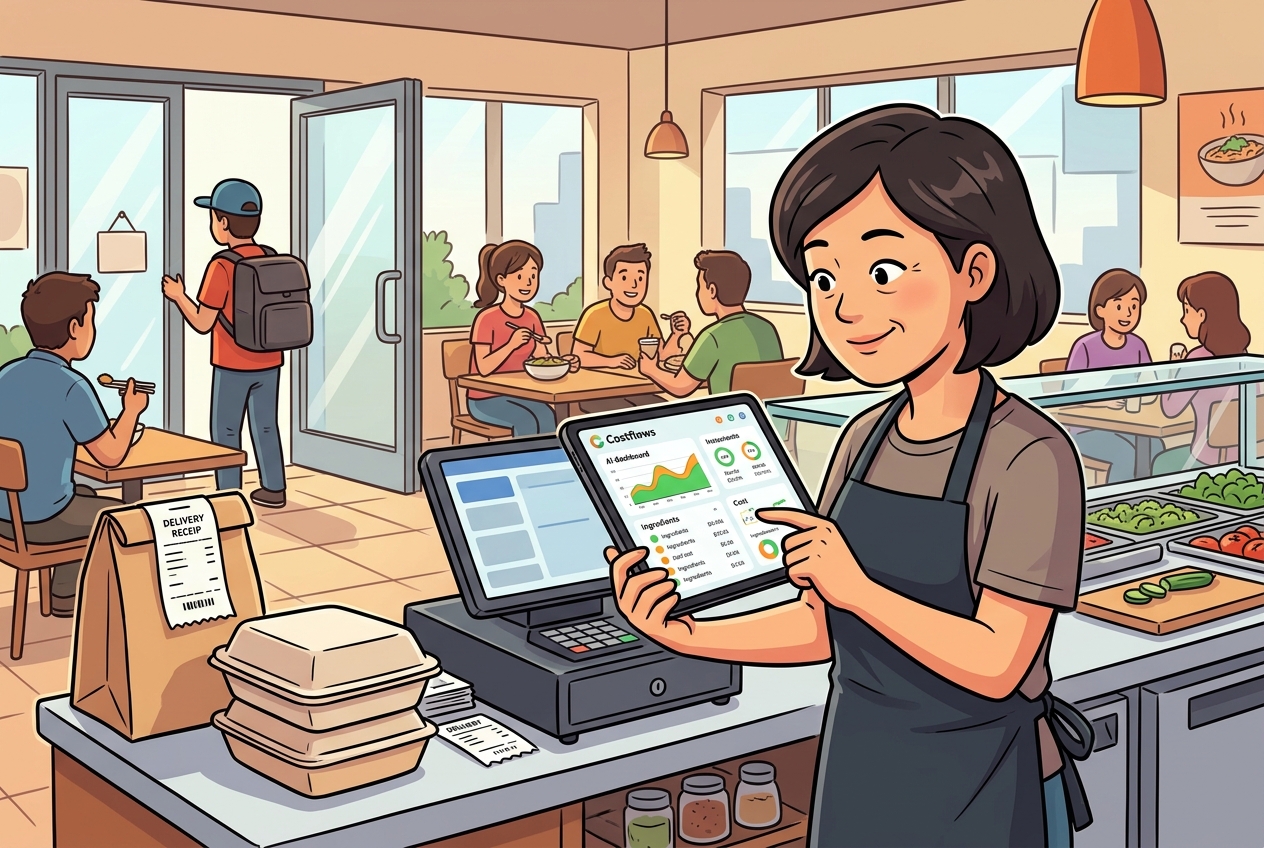
Lunch service isn't even over yet, but the kitchen is already clamoring for restocks. Delivery notes are piling up at the cashier, and the manager is facing a long night of cross-referencing WhatsApp screenshots, paper receipts, and Excel sheets. For many restaurants, cost slippage isn’t caused by poor calculation—it’s caused by a bottleneck at the very first point of data entry.
When comparing Restaurant Invoice OCR vs. Manual Entry, the real competition isn't just about "saving time." It’s about who can transform procurement, inventory, reconciliation, and profit analysis into a seamless, actionable data chain.
OCR vs. Manual Entry: It’s More Than Just Speed
Manual entry seems straightforward. You receive an invoice, type it into Excel, tweak the item names, and update the quantities. On the surface, the day's work is done.
The problem is that F&B documentation is rarely standardized. It is high-frequency, fragmented, and comes from a chaotic mix of sources: printed supplier slips today, handwritten amendments tomorrow, and WhatsApp photos the day after. As long as your data entry relies on manual labor, errors aren't just occasional—they are inevitable.
The value of OCR (Optical Character Recognition) isn't just about automating typing. A truly effective restaurant OCR solution converts paper, images, and handwritten notes into structured data. It automatically categorizes information by item type, outlet, supplier, and price into unified fields. This standardization is the essential foundation for accurate cost analysis, inventory deduction, and financial reconciliation.
The Hidden Costs of Manual Entry usually Explode at Month-End
Many owners believe the only downside to manual entry is that it’s a bit slow. In reality, the greater costs are latency and distortion.
- Data Lag: A store receives goods but delays data entry by two or three days. Procurement and inventory data fall out of sync. The system shows stock is available, while the kitchen is already placing emergency orders.
- Naming Inconsistency: One employee enters "Mid-joint wings," another types "Chicken wings," and a third just writes "Wings." By month-end, the system treats these as three different ingredients, making recipe costing impossible.
- The Reconciliation Trap: Manual entry often relies on guesswork when handwriting is blurry or units are inconsistent. When the total doesn't match at the end of the month, finance has to dig through chat logs while the store hunts for paper slips. This isn't just "admin time"—it’s a massive drain on multi-departmental productivity.
Is OCR Right for Your Restaurant?
Not every scenario requires OCR, but most restaurants with consistent procurement will eventually hit a "manual ceiling."
If you run a single shop with a small team and very few SKUs, manual entry might suffice. However, as soon as you scale to multiple outlets or start scrutinizing food costs and gross margins, manual processes will spiral out of control. Complexity doesn't grow linearly; it multiplies with every new outlet and supplier.
Four Key Indicators: OCR vs. Manual Entry
- Error Control: Manual entry makes it hard to track where mistakes happen. OCR standardizes the validation process, making errors traceable and correctable.
- Real-Time Integration: With manual entry, you see data days late. OCR allows for "capture-at-source"—snap a photo during delivery, and the data enters the system immediately.
- Analytical Readiness: Data is useless if it isn't structured. Effective OCR ensures that invoice data flows directly into inventory, waste logs, and menu engineering.
- Cross-Departmental Collaboration: OCR breaks down information silos. Procurement, managers, and finance can work from a single source of truth, eliminating the "Who entered this bill?" guesswork.
The Real Value: Protecting Your Bottom Line
The ROI of OCR isn't just about saving a clerk's salary; it’s about managing margins. When entry is automated, management can spot supplier price hikes, unusual consumption patterns, or margin erosion in real-time. Instead of realizing at the end of the month that profits are thin, you can identify the issue within the week—or even on the same day. Speed doesn't just change your reports; it changes your decision-making window.
This is why advanced systems, such as Costflows, don't treat OCR as a standalone tool. It is the starting point of the entire operational data chain. By supporting handwritten notes and achieving high-accuracy field extraction, it integrates procurement, warehousing, and profit analysis into one workflow.
When Should You Make the Switch?
If your store frequently enters invoices late, if month-end reconciliation requires hunting through WhatsApp, or if your inventory levels never match your actual usage—the problem isn't your staff's work ethic. It’s your data entry.
The goal of implementing OCR isn't just to replace a person; it’s to turn scattered paper and chat logs into a digital asset. In the restaurant business, profit isn't made by having a "pretty" report—it’s made by turning every invoice into an immediate basis for action.
.png)

訂閱最新消息
不要錯過任何餐飲的資訊