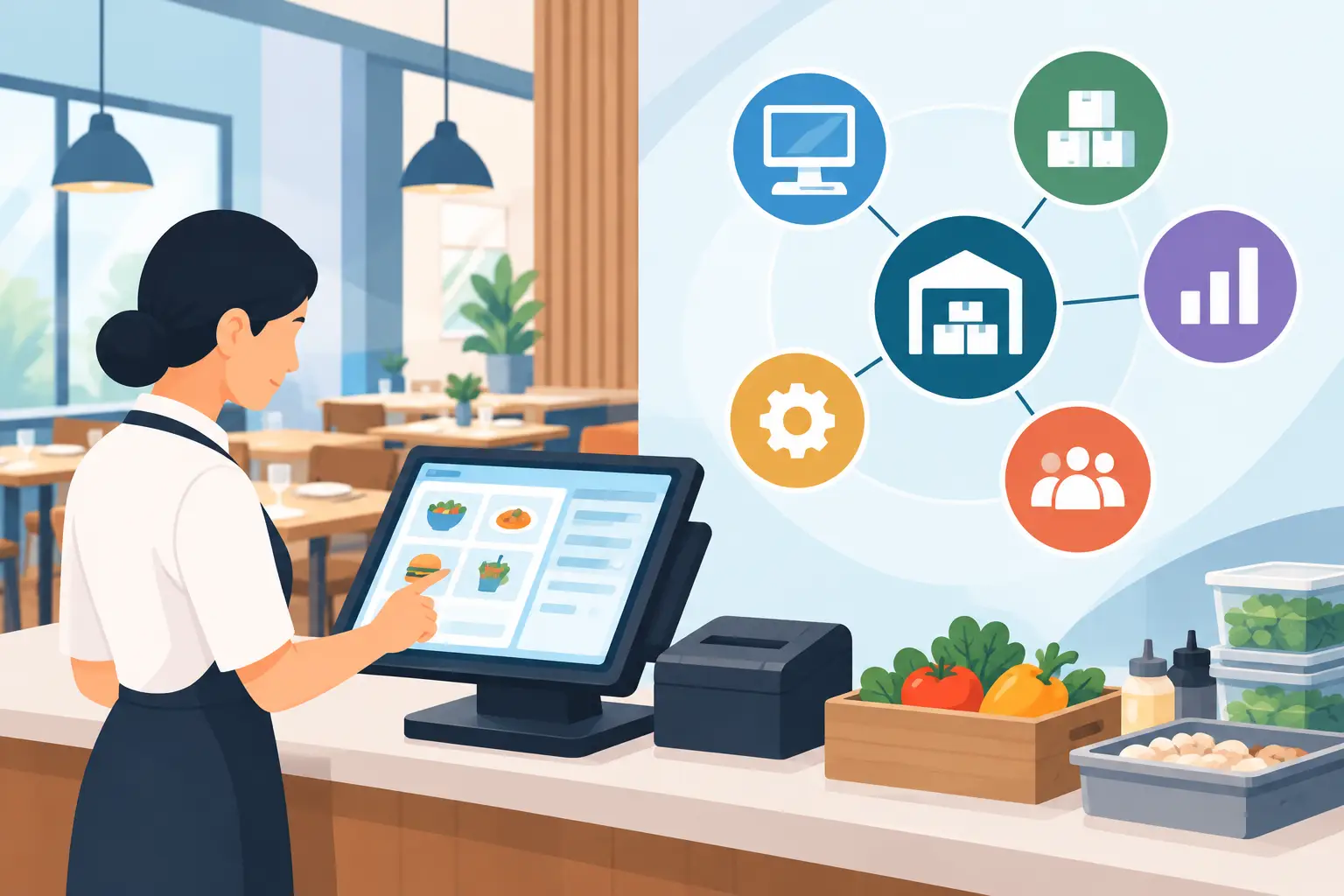
💡 The Bottom Line: Sales ≠ Profit! POS Sells, CostFlows Saves.
Let’s get straight to the point: POS data alone is NOT enough to run a profitable restaurant.
While your POS tracks what you sell, it can't tell you how much ingredient waste you're losing or your true profit margin. To build a sustainable, highly profitable business, restaurants must link front-of-house POS sales with CostFlows, a smart procurement and inventory management system. Connecting sales with back-of-house inventory is the only way to strictly control food costs, plug hidden financial leaks, and maximize your restaurant's bottom line.
Understanding the Basics | What is a POS System and What Does It Really Do?
A POS (Point of Sale) system is essentially the front-of-house brain of your restaurant. Its primary jobs include:
- Front-of-House Operations: Taking orders, managing table layouts, sending dockets to the kitchen, and processing payments.
- Sales Reporting: Tracking daily revenue, peak hours, average check size, and top-selling menu items.
For any operator, a POS is an indispensable tool for processing transactions and summarizing surface-level sales results.
The Reality Check | Seeing Revenue But Losing Profit? 4 Major POS Blind Spots
While POS data is vital, it falls short when it comes to managing actual food costs and net profit margins:
1. It Misses Supplier Price Spikes (True Food Cost %)
Your POS knows you sold a $25 steak, but it doesn't know your beef supplier just raised prices by 15%. Without live ingredient cost updates, high sales could actually mean you're losing money on every dish.
2. It Can't Track Kitchen Waste & Food Spoilage
Prep waste, expired ingredients, and kitchen mistake throwaways are completely invisible to a POS system. This hidden waste silently eats away at your profit margins every single day.
3. It Lacks Live Inventory Tracking & Reorder Alerts
A standalone POS can't tell you how much flour is left in the pantry or when to reorder, leading to either overstocking (expired food) or understocking (running out of popular items).
4. It Shows "Fake Margins" Instead of Net Profit
POS margins are calculated using estimated costs, ignoring inventory shrinkage and price fluctuations. You might see impressive sales numbers on your POS, only to realize you barely broke even at the end of the month.
The Solution | Stop Cost Leaks: 4 Reasons to Pair Your POS with CostFlows
Integrating your POS sales data with CostFlows Procurement & Inventory Management creates a seamless, automated end-to-end system:
1. Automated Recipe Costing (BOM) & Instant Inventory Depletion
Every time a dish is ordered on the POS, CostFlows automatically deducts the exact ingredients (e.g., 150g beef, 10g butter) from your live inventory based on your standardized recipe (Bill of Materials).
2. "Ideal vs. Actual Inventory" Comparisons to Spot Waste
By comparing expected stock (calculated from POS sales) with actual physical stock takes, CostFlows instantly flags variances caused by theft, portioning errors, or kitchen waste.
3. Smart Purchasing & Supplier Price Tracking
CostFlows tracks supplier price trends and alerts you when ingredient costs spike. It also generates smart reorder recommendations based on historical POS sales, preventing over-purchasing.
4. Live Food Cost % Calculations for Smarter Pricing
By combining real-time POS sales with actual purchasing costs, CostFlows gives you an accurate, live Food Cost % so you can adjust menu prices or tweak recipes with confidence.
Expert Q&A | Frequently Asked Questions About POS & Inventory Systems
Q1: I already have a POS system. Why do I need CostFlows?
A1: Your POS handles front-of-house sales, while CostFlows manages back-of-house procurement and inventory. Linking them turns sales data into real-time stock deductions, helping you plug cost leaks and boost profits.
Q2: How does CostFlows help lower my restaurant's food costs?
A2: CostFlows tracks ingredient price fluctuations, establishes standard recipe costs, and highlights inventory waste. This prevents over-ordering and keeps your Cost of Goods Sold (COGS) in check.
Q3: Is it difficult to integrate my POS with CostFlows?
A3: Not at all! CostFlows features flexible API integration that seamlessly syncs with major restaurant POS systems for automated, hassle-free data flow.
.png)

訂閱最新消息
不要錯過任何餐飲的資訊
.jpg)