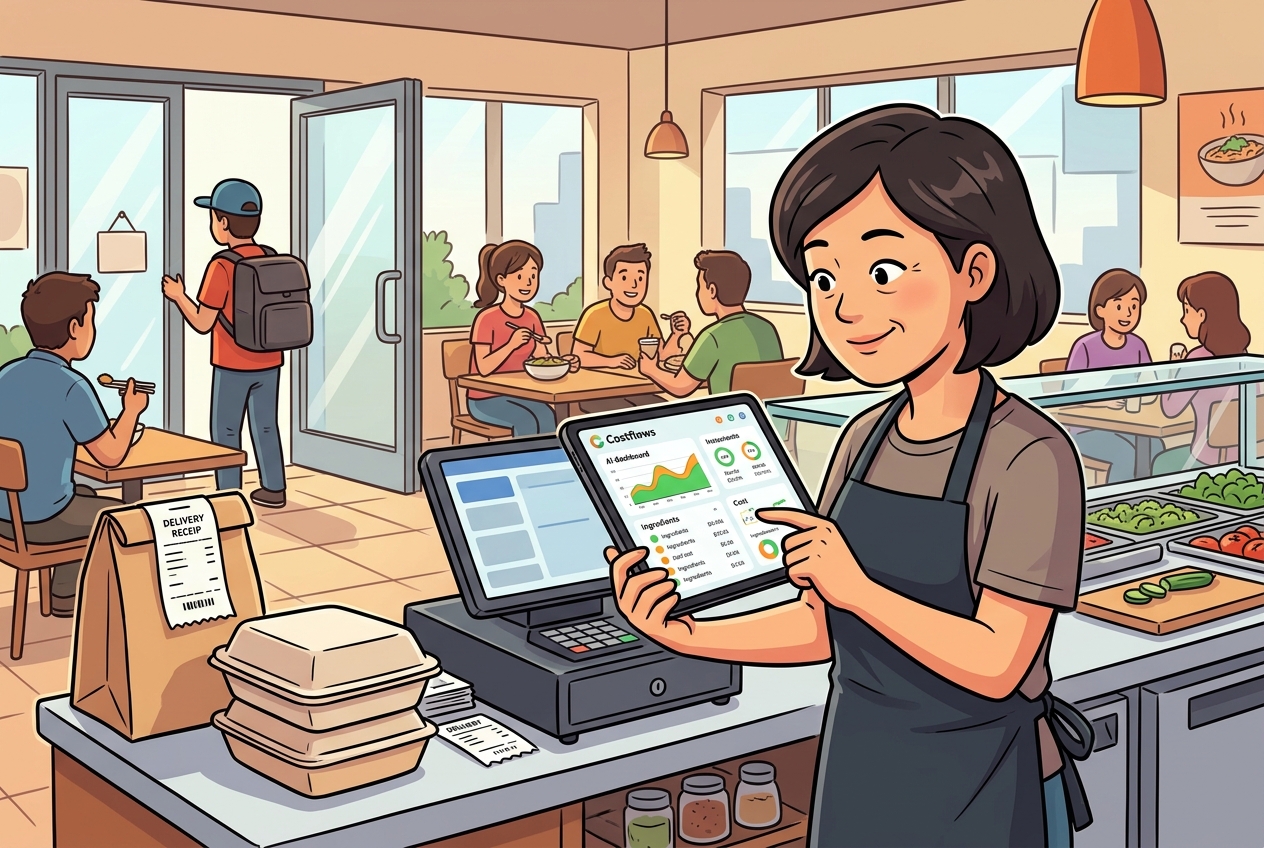
It’s a question almost every restaurant founder and operations manager asks at some point:
"We’ve already spent money on a POS system, and it tracks our daily sales and top sellers just fine. Why on earth do we need a Back-of-House management tool like Costflows?"
The answer is simple: Your POS brings in revenue at the front, while Costflows protects your bottom line at the back.
With food prices skyrocketing and labor costs at an all-time high, relying on POS data alone is no longer enough to stay profitable. Here is why pairing your POS with Costflows creates the ultimate double-engine for long-term restaurant success.
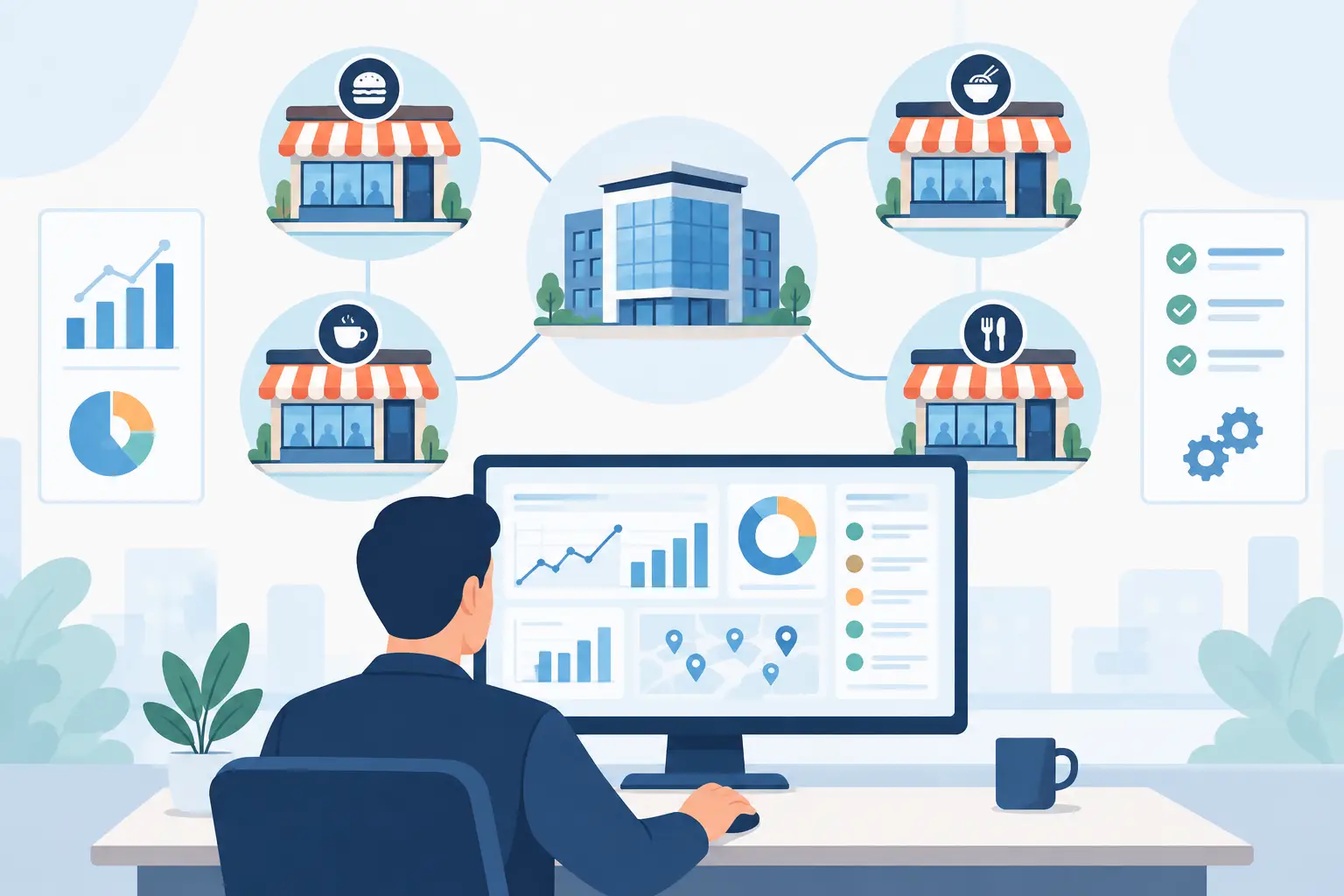
Your POS Drives Revenue (FOH). Costflows Protects Profits (BOH).
- Front-of-House (FOH) POS System: Built to serve your customers. It handles ordering, checkout, delivery platform integrations, and table turnover. It answers one main question: "How much money came in today?"
- Back-of-House (BOH) Costflows System: Built to control your operations. It manages AI invoice parsing, real-time food cost calculations, inventory variance, and supplier purchasing. It answers the ultimate question: "After ingredients and waste, how much net profit did we actually keep?"
5 Reasons You Still Need Costflows Even If You Have a POS
1. Track Real-Time Food Cost %, Not Just Guesses
Ingredient prices fluctuate daily, but your POS only stores fixed menu prices. Costflows reads the price of every incoming invoice and dynamically calculates the true food cost percentage for every dish. If salmon or beef prices spike, Costflows alerts you immediately—so you can tweak your menu or purchasing strategy before margins take a hit.
2. Ditch Manual Data Entry with AI Invoice Parsing
Traditional POS systems can’t process paper or handwritten supplier invoices automatically. Costflows comes with AI-powered OCR invoice scanning: just snap a photo, and the system instantly extracts item names, quantities, and unit prices. This cuts manual entry time by 90% and automatically generates month-end vendor reconciliation statements for easy bookkeeping.
3. Compare "Theoretical vs. Actual" Inventory to Catch Hidden Profit Leaks
Most POS inventory features only track theoretical depletion (subtracting ingredients based on sales recipes). They don't reflect what actually happens in the kitchen. Costflows compares your POS sales data against physical inventory counts through Variance Analysis, helping you pinpoint spoilage, over-portioning, or potential theft.
4. Streamline Purchasing and Supplier Management
Place orders directly to suppliers from your phone, track historical price trends, and prevent staff from over-ordering or paying inflated prices. Costflows digitizes tedious back-of-house procurement, giving you a completely transparent supply chain.
5. Seamlessly Connect Your POS and Accounting Apps
Good news: You don’t need to replace your current POS! Costflows connects seamlessly via API to popular POS platforms and accounting software (like Xero and QuickBooks). By syncing front-of-house sales with back-of-house costs, you get an accurate, real-time P&L statement whenever you need it.
The Verdict: Drive Revenue with POS, Protect Profits with Costflows
Running a restaurant is like filling a bucket. Your POS system keeps pouring water (revenue) into the bucket, while Costflows seals up the holes (food waste and hidden cost spikes). To build a resilient, highly profitable restaurant in today's market, you need both engines running together.
Frequently Asked Questions (FAQ)
Q1: Can Costflows integrate with my existing POS? Do I need to replace it?
A: Absolutely not! You don't need to replace your POS. Costflows is designed specifically for Back-of-House management and supports API integrations with major POS systems and accounting software (like Xero). You can upgrade your back-of-house controls without changing your team's front-of-house routine.
Q2: My POS already has inventory features. Why do I need Costflows?
A: POS inventory typically only tracks "theoretical usage" based on sales, missing price fluctuations, kitchen waste, and portion drift. Costflows reads real vendor invoices via AI and pairs them with physical counts to provide true Variance Analysis, helping you recover hidden profit leaks.
Q3: What tangible benefits can Costflows bring to my restaurant?
A: On average, Costflows cuts invoice data entry time by 90%, reduces Cost of Goods Sold (COGS) by 2% to 5%, and provides real-time cost alerts to prevent quiet vendor price hikes from eating into your profit margins.
.png)

訂閱最新消息
不要錯過任何餐飲的資訊