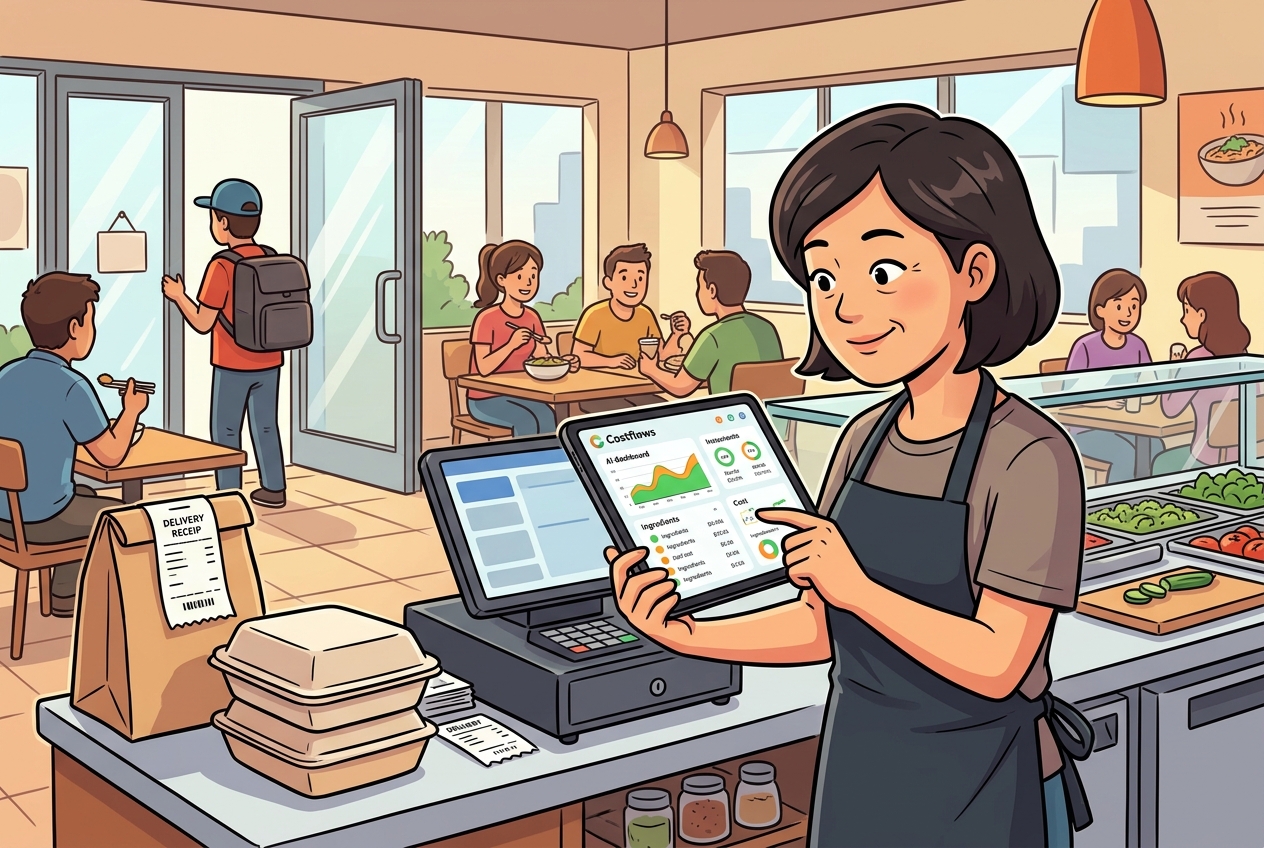
You’ve probably been there. After the morning delivery, the counter is piled high with delivery notes, invoices, and handwritten receipts. The manager is busy replying to WhatsApp messages, the kitchen is rushing for stock, and the accountant is waiting to enter the books. The result? Someone miscopies a quantity, misses a discount, or you only realize at the end of the month that a supplier raised their prices weeks ago. What we call "restaurant invoice auto-verification" is simply automating and systemizing this error-prone, labor-intensive process.
What is Restaurant Invoice Auto-Verification?
Simply put, restaurant invoice auto-verification is a process where the system automatically reads supplier names, dates, items, quantities, unit prices, discounts, taxes, and totals from incoming delivery notes, invoices, purchase orders (POs), or handwritten slips. It then cross-checks this data against original POs, historical pricing, receiving logs, or supplier records to detect any anomalies, errors, or discrepancies.
The key here isn't just "reading the text"—it's "verifying the content." If OCR (Optical Character Recognition) only converts images into text, it just speeds up data entry. Auto-verification goes a step further by asking the questions restaurant owners care about most: Does this invoice actually match this supplier? Is the unit price higher than last time? Does the delivered quantity match what we ordered? Did we get the agreed discount? Is this invoice a duplicate entry?
For the F&B industry, this difference is highly practical. Cost management isn't finished once data is entered into a system. The data must be trustworthy so you can confidently analyze gross margins, manage reorders, evaluate supplier performance, and support daily operational decisions.
How Restaurant Invoice Auto-Verification Works
A practical auto-verification workflow usually consists of four steps:
1. Capturing Invoice Data
Frontline staff snap a photo on their phone, or upload files directly from WhatsApp, email, or scans. The system uses OCR to extract data from printed invoices, receipts, and even handwritten slips. For restaurants, supporting handwritten notes is crucial, as fresh markets, local butchers, seafood vendors, or last-minute runs rarely use standardized digital formats.
2. Structuring the Data
Capturing the data doesn't mean it's ready for analysis. The system needs to organize chaotic text into structured fields: item name, specs, unit, quantity, unit price, subtotal, and delivery date. If this step isn't accurate, every report down the line will be off.
3. Automated Matching and Verification
This is the core. The system cross-references the invoice data with purchase orders, receiving logs, supplier lists, historical prices, and inventory data. If a specific item suddenly jumps in price, quantities don't match, the supplier name seems off, or the totals don't add up, the system flags it immediately.
4. Exception Handling and Bookkeeping
Not every flagged anomaly is a mistake. Sometimes it's a legitimate last-minute add-on, a market-driven price fluctuation, or a substitute supplier delivery. That's why an effective system doesn't eliminate human oversight; instead, it automates 80% of normal invoices and passes the remaining 20% of exceptions to managers, buyers, or accountants for review. This is how you actually save labor without shifting risks to the software.
Why Restaurants Need Auto-Verification More Than Most Industries
In general retail, barcodes, product specs, and supply chains are relatively static, making invoice processing easy to standardize. Restaurant procurement, however, faces unique hurdles:
First, high frequency and fragmented items. From vegetables and meats to dry goods and cleaning supplies, new invoices arrive daily. Second, highly volatile pricing, especially for fresh produce. Third, scattered invoice sources—paper, photos, WhatsApp messages, and emails all exist simultaneously. Fourth, the fast-paced kitchen environment, where nobody has time to stop and crosscheck Excel sheets during delivery.
As a result, many restaurants end up with the same issue: the data exists, but it’s completely disconnected. When it's time to review actual food costs, waste, or menu profitability, owners are left guessing. When cost management lags until the end-of-month reconciliation, your operational response is always a step too late.
What Problems Does Auto-Verification Solve?
The most direct benefit is reducing manual data entry. Instead of having someone look at every single invoice and type it line-by-line into Excel or accounting software, frontline staff simply snap a photo. Back-office teams only handle the exceptions, boosting both speed and accuracy.
Second, it minimizes errors. The most common manual entry issues aren't complete omissions, but subtle typos—like entering 12 instead of 21, confusing boxes with individual units, missing discounts, or misclassifying tax categories. These errors look minor on a single invoice, but over time, they directly distort your total purchases, inventory valuation, and gross margins.
Third, it offers real-time price monitoring. If a supplier raises prices twice in a single week and you only find out during the end-of-month close, your window to renegotiate has already passed. Auto-verification, paired with historical price matching, flags these changes early.
Fourth, it aligns cross-departmental data. If the manager’s receiving numbers, the kitchen's usage logs, the buyer's POs, and the accountant's book entries don't match, you're looking at a reporting nightmare. Auto-verification structures the data, making it possible to connect procurement, inventory, costs, and finance seamlessly.
Auto-Verification is More Than Just a Reconciliation Tool
Many operators assume this is just a tool to help accountants enter invoices faster. In reality, its value goes much deeper:
Connecting to Procurement Management
If the system knows what you originally ordered, the quantities, and which supplier was supposed to deliver them, invoice verification becomes a proactive audit of your purchasing execution. You get quantifiable data on which suppliers frequently short-deliver, who raises prices unannounced, and who is the most reliable.
Connecting to Inventory and Waste
Accurate inventory tracking starts with accurate receiving. If your starting inventory numbers are wrong, no amount of diligent stocktaking will save you. When purchasing, receiving, usage, and waste share the same data chain, management can finally see the true gap between actual and theoretical food costs.
Connecting to Menu Profitability
Restaurants aren't just afraid of high costs; they're afraid of not knowing which dish is losing money. When every purchase price updates instantly, your recipe costs and menu profit margins reflect reality, rather than relying on standard costs set six months ago.
Not All Auto-Verification Solutions Are Created Equal
Some tools on the market only scan and store documents or convert images to text. While helpful for basic digital filing, they often fall short of actual restaurant operations.
A system truly built for F&B needs to handle several things: support multiple invoice formats (including handwritten notes), recognize supplier and item aliases, compare historical prices against POs and receiving logs, allow mobile uploads on the fly, and enable managers to track exceptions and approvals.
Accuracy is also key. Because invoice data feeds directly into costs, inventory, and accounts payable, a single wrong field is an operational issue, not just a clerical one. Solutions like Costflows combine AI-driven extraction with smart verification, ensuring data is clean enough to flow straight into your procurement, inventory, and margin analysis.
Which Restaurants Benefit Most?
If you run a single-location restaurant, your invoice volume might be low, but if you are the owner manually entering invoices at night, the time savings are huge. It’s not about your scale; it’s about freeing yourself from tedious admin work.
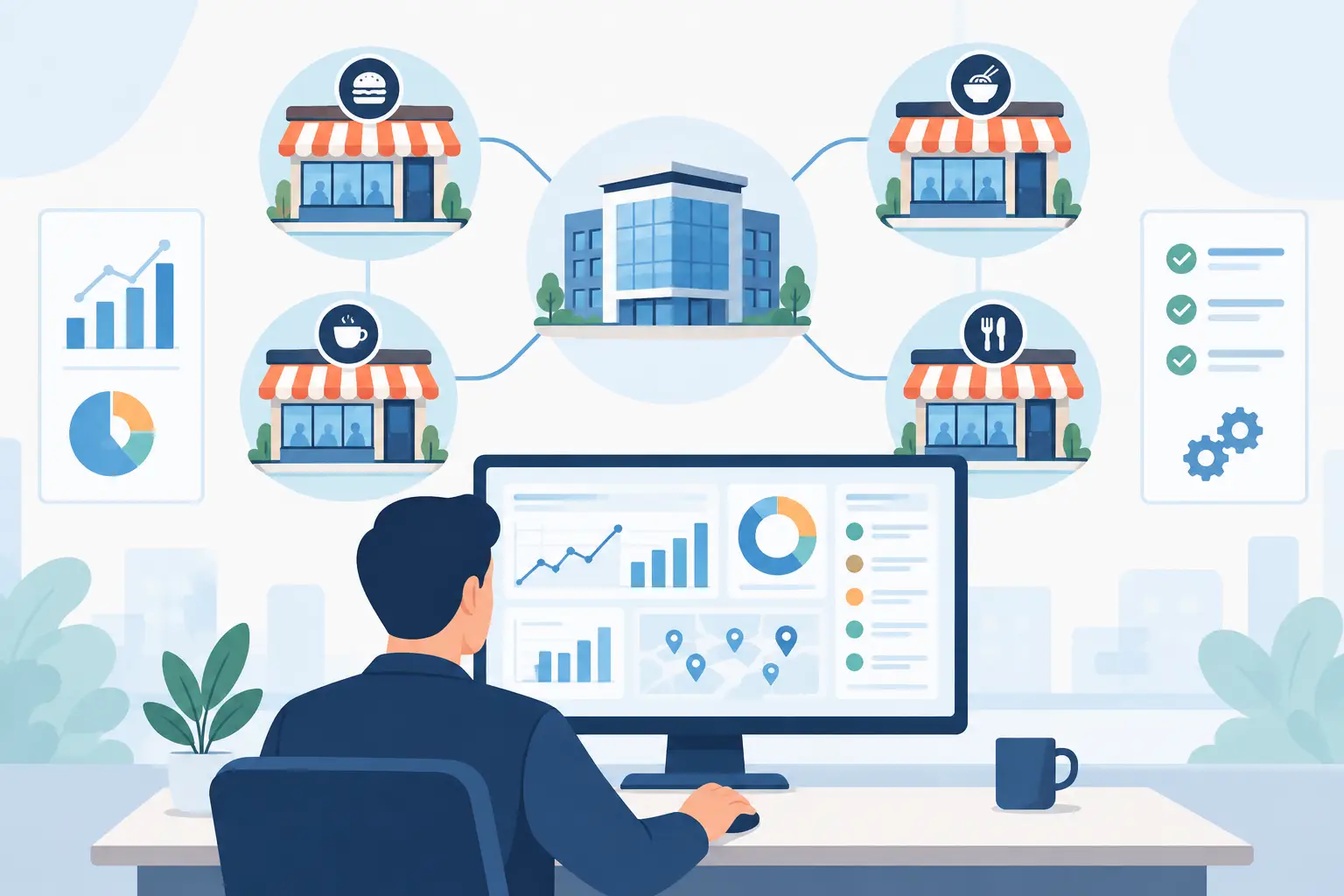
For multi-location chains, franchise groups, central kitchens, or food production facilities, the need is even more critical. Once you manage multiple locations, warehouses, and departments, Excel sheets inevitably fall apart. Head office wants real-time spending visibility, frontline staff want quick receiving, accounting wants fewer missing invoices, and purchasing wants to know which vendors to trust. Everyone is looking for the same thing: a standardized, traceable, and verified data workflow.
Three Things to Check Before Adopting a Solution
First, don’t just ask if the system can "read" invoices. Ask what data it can verify the reading against. Without verification capabilities, automation just speeds up how fast you enter incorrect numbers.
Second, look at ease of use for frontline staff. Kitchens and receiving bays are chaotic. If a system requires managers to sit at an office desk to process everything, it won't work. Mobile capture, instant uploads, and quick exception alerts are essential.
Third, ensure it integrates with other modules. Invoice verification shouldn't be a data silo. It needs to connect to purchasing, inventory, POS, accounting, and daily P&L reports. Otherwise, you're just moving data from one spreadsheet to another.
How to Ultimately View Invoice Auto-Verification
The most practical way to look at it is this: it’s not a flashy feature, but a tool that turns your most error-prone, hard-to-track, and labor-intensive task into a standard, measurable, and traceable process. Only when every invoice is verified in real-time can you confidently manage real-time cost control, supplier comparisons, inventory accuracy, and menu profitability.
Restaurant profitability is rarely lost on big decisions; it’s eroded by tiny discrepancies across dozens of daily invoices. The sooner you digitize this workflow, the better you protect your hard-earned margins from quietly slipping away.
.png)

訂閱最新消息
不要錯過任何餐飲的資訊