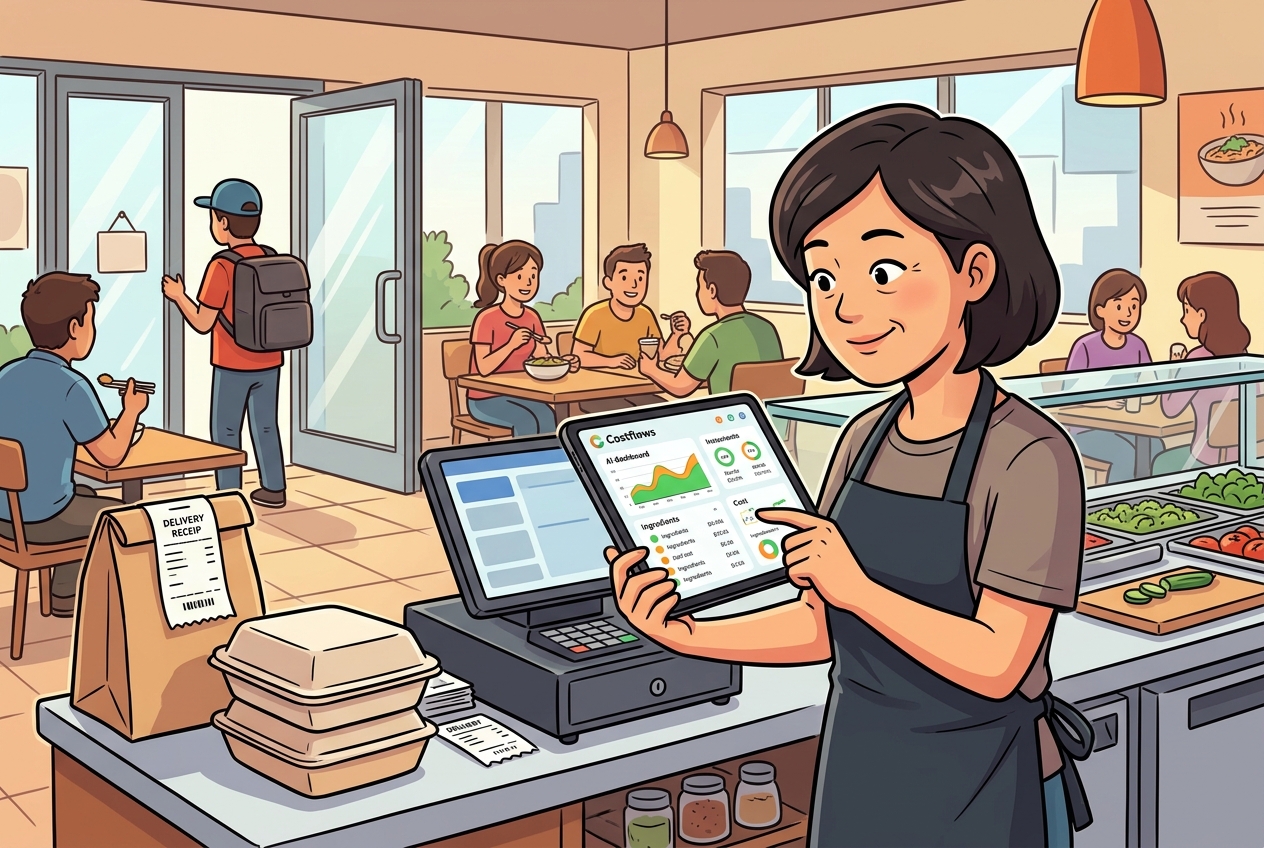
On Monday, a supplier drops off a handwritten invoice for pork. On Wednesday, the kitchen complains they're running short. On Friday, accounting finally notices the ingredient price jumped compared to last month. This isn’t just a single employee's mistake—it’s the inevitable result of having your data scattered across paper invoices, WhatsApp chats, Excel sheets, and disconnected departments. The true value of a restaurant cost control system isn’t just about putting numbers into a report; it's about tracking every purchase, every ingredient used, and every sale so management can act before margins get eaten away.
For restaurants, cost control isn't a once-a-month task of looking at total purchasing numbers. It’s a daily operational discipline. Buyers need to know what they bought, from whom, and if they overpaid; the kitchen needs to know actual usage and waste; managers need to know if stock levels are reasonable; and finance needs to reconcile payables with actual expenses. If the data isn't connected, no matter how hard everyone works, you're just reactively patching holes based on guesswork.
A Restaurant Cost Control System Starts with Your Most Vulnerable Data: Invoices
Most restaurants already have some form of purchasing and inventory sheets. The issue is how slowly that data gets into the system. Front-of-house staff receive the goods, set the invoices aside, take photos to send to group chats when they have a free moment, and at the end of the month, someone manually types them into Excel. This process is slow and highly prone to mismatched item names, unit conversion errors, missing invoices, and double entries. By the time the data is ready weeks later, your cost reports are basically just explaining problems that happened in the past.
A much better approach is to integrate invoice processing into your daily workflow. When deliveries arrive, snap a photo of the invoice or handwritten receipt with a smartphone. The system's AI automatically extracts supplier info, items, quantities, unit prices, and taxes, with a verification step to ensure clean data. For example, Costflows supports handwritten notes, combining AI capture with human verification to hit high accuracy. The goal isn't to add another data entry step—it's to replace manual calculations and endless reconciliation.
Accurate invoice data leads to your first big win: price changes are no longer buried until month-end. When a supplier’s chicken wings, cooking oil, or vegetables show price spikes, managers get an alert. You can quickly check if it’s a seasonal supply issue, a change in product specs, or an unannounced price hike. You don’t have to switch suppliers every time a price moves, but at least you can use historical data to negotiate or compare alternatives based on price, delivery reliability, and minimum order quantities.
Moving from Purchase Totals to True Food Cost
High purchasing volume doesn't always mean high food costs, and low purchasing doesn't automatically mean a healthy operation. What restaurants really need to track is whether those raw ingredients are actually turning into sales and profits. To do that, you need to link purchasing, inventory, recipes, and POS sales into a single data chain.
First, let's look at recipe costs. Every dish should be broken down into ingredients, portion sizes, purchase units, and yield percentages. For example, a bowl of ramen isn't just noodles and broth; it also includes meat, toppings, seasonings, and predictable prep waste. When supplier prices update, the cost of the dish should automatically recalculate and compare against your current selling price. This shows you exactly which signature dishes are keeping healthy margins and which popular items are quietly thinning out your profits.
Recipe costing doesn't mean your kitchen team needs to calculate spices down to four decimal places. It's about getting the right level of precision to make smart decisions. High-value seafood, meats, alcohol, and high-volume staples should get detailed recipes first. For cheaper, stable ingredients, use reasonable estimate rules. Overcomplicating things makes the kitchen abandon the tool, while being too vague won't show true margins—neither helps you run the business.
Next comes comparing theoretical vs. actual costs. If your POS says you sold 100 pork belly bowls, standard recipes calculate exactly how much pork, rice, and sauce should have been used. Your actual physical counts and stock logs show what was actually used. Any gap between the two points to portion inconsistency, prep waste, comped meals, unrecorded staff food, inventory errors, or shrinkage. The system won’t guess why the gap exists, but it pinpoints exactly where it is so managers and chefs can troubleshoot with facts rather than finger-pointing.
Build Practical Ordering and Stock Workflows on Mobile
If cost control is managed only by the back-office, front-of-house teams rarely stay on top of it. That’s why the system has to match the rhythm of a busy restaurant floor. Staff should be able to count inventory by zone and item directly on a mobile app. The kitchen can log wastage, transfers, and internal usage on the spot, and buyers can place orders to vendors via WhatsApp, email, or fax right from their phones. Capturing data at the source means no one has to play catch-up after a long shift.
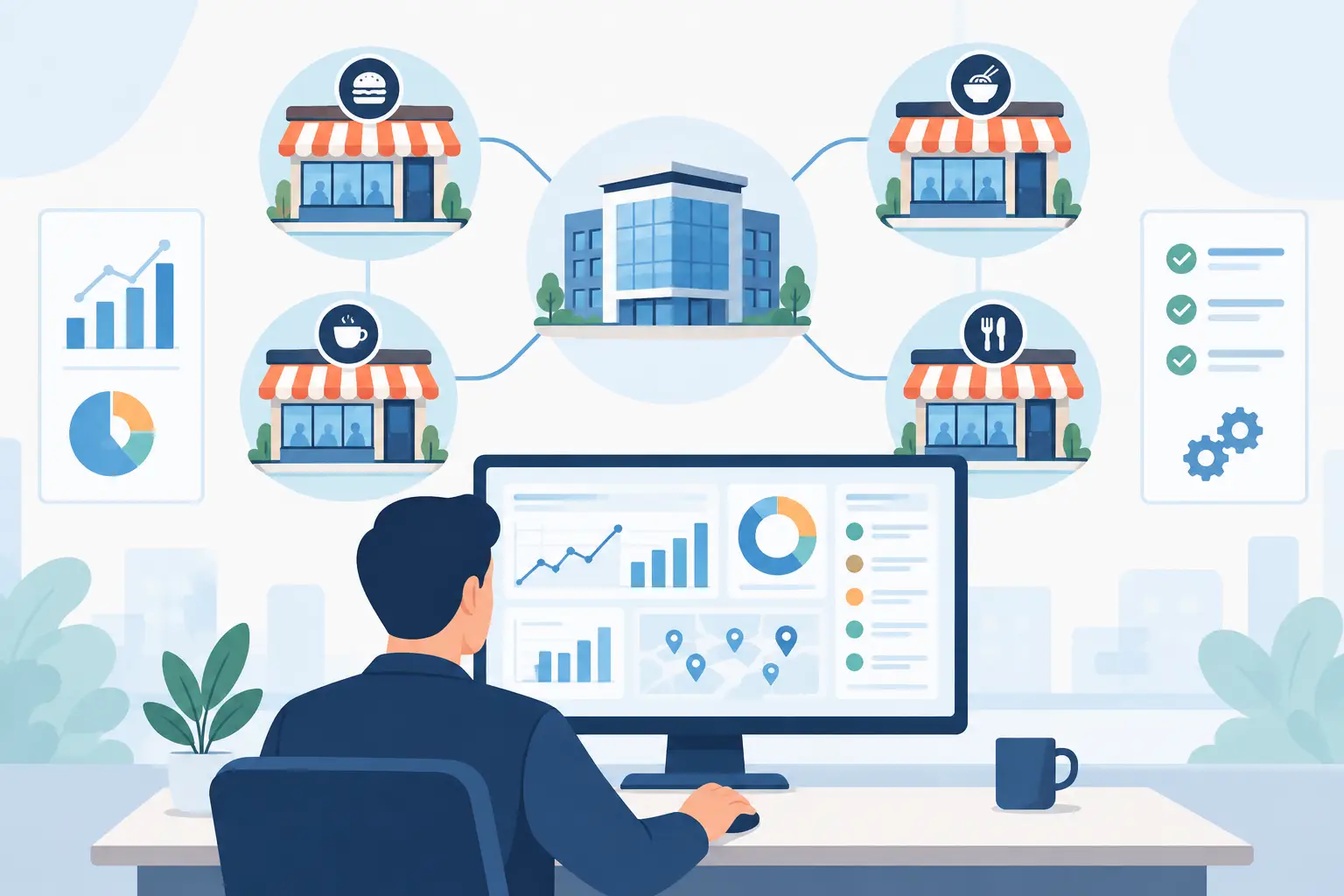
Your purchasing workflow should also maintain clear accountability. Smaller shops might not need complex approval chains, but you still need to know who ordered, who approved, who received the goods, and if the physical count matched the invoice. Multi-unit brands, franchises, or central kitchens need this structure even more to prevent unauthorized local buying and track stock transfers between locations.
The goal of inventory management isn't to count every single dry-store item daily—it’s about setting the right frequency for the right category. Meats, seafood, alcohol, and high-cost items can be counted daily or by shift, while dry goods and packaging can be handled weekly. Every waste entry should have a clear reason (e.g., expired, poor quality, over-prepped, or kitchen error). Over time, analyzing these reasons helps you see if you have a purchasing spec issue, poor forecasting, or need better kitchen training.
Run a Daily P&L to Make Decisions Before the Month Ends
Traditional monthly accounting has a major limitation: by the time you see a drop in margins, the issue has already been draining your cash flow for four to six weeks. If you integrate daily sales, processed invoice costs, inventory adjustments, and fixed expenses, you can generate a daily P&L statement. This isn't meant to replace your formal financial statements; it functions as a real-time operational dashboard.
For example, if a branch has normal sales for three days straight but its estimated margin drops, the manager can immediately investigate: Did a key ingredient spike in price? Did a promotion shift the product mix toward lower-margin items? Are portions too large, or did waste jump? On the flip side, if an item is selling well with great margins, you can secure supply early and push it harder in your marketing. Cost data isn't just about cutting expenses—it helps you direct resources to what actually drives profit.
Connecting your POS and accounting software is crucial here. The POS provides sales mix and theoretical usage data, while the accounting software handles accounts payable and actual invoices, eliminating double entry. For multi-unit operators, open APIs and Webhooks allow you to keep your existing POS or financial tools while giving your procurement and cost-analysis systems a single, unified source of truth.
Stop Treating Your System as Just a Report Generator
The most common reason restaurant cost control systems fail isn’t a lack of features; it's when teams only look at them once a month. To get real value, establish a daily rhythm: snap and verify invoices on delivery day, check recent prices before buying, log waste as it happens, review major inventory variances weekly, and audit menu profitability monthly. When managers, buyers, chefs, and accountants maintain their small parts of the data, the system naturally reflects your true operational health.
You don’t have to upload your entire historical database to start. Begin with your highest-cost, highest-frequency, or most volatile ingredients. Establish standard items, vendors, and unit rules for those first, then gradually layer in recipes, physical counts, and POS data. Your first step toward better numbers isn't instantly slash costs—it's capturing missing invoices, speeding up reconciliation, and seeing price spikes or waste the day they happen.
When every invoice is tracked, every waste entry has a reason, and every dish has a clear cost structure, management no longer depends on a single senior employee's memory. By turning daily floor operations into an auditable process, your restaurant gains the clear data needed to make faster, more profitable decisions.
Frequently Asked Questions (Q&A)
Q1: What is a restaurant cost control system, and what problems does it solve?
A1: A restaurant cost control system is a digital platform that connects purchasing, inventory, recipes, and POS sales data. It eliminates manual data entry, prevents missing invoices, tracks real-time ingredient price fluctuations, and resolves cross-department discrepancies to help restaurants protect their profit margins.
Q2: How do restaurants compare "theoretical cost" versus "actual cost"?
A2: The system uses your POS sales data to calculate the "theoretical" amount of ingredients that should have been used based on your recipes, and compares it with "actual" usage from stock counts. Any variance helps managers pinpoint portion size issues, kitchen waste, or missing stock.
Q3: How does Costflows help restaurants set up a daily P&L statement?
A3: Costflows integrates daily POS sales data, AI-extracted invoice costs, inventory variances, and estimated operational expenses to generate a daily P&L. This dashboard lets owners monitor margin changes and adjust menu pricing or purchasing decisions immediately instead of waiting weeks for accounting's month-end close.
.png)

訂閱最新消息
不要錯過任何餐飲的資訊