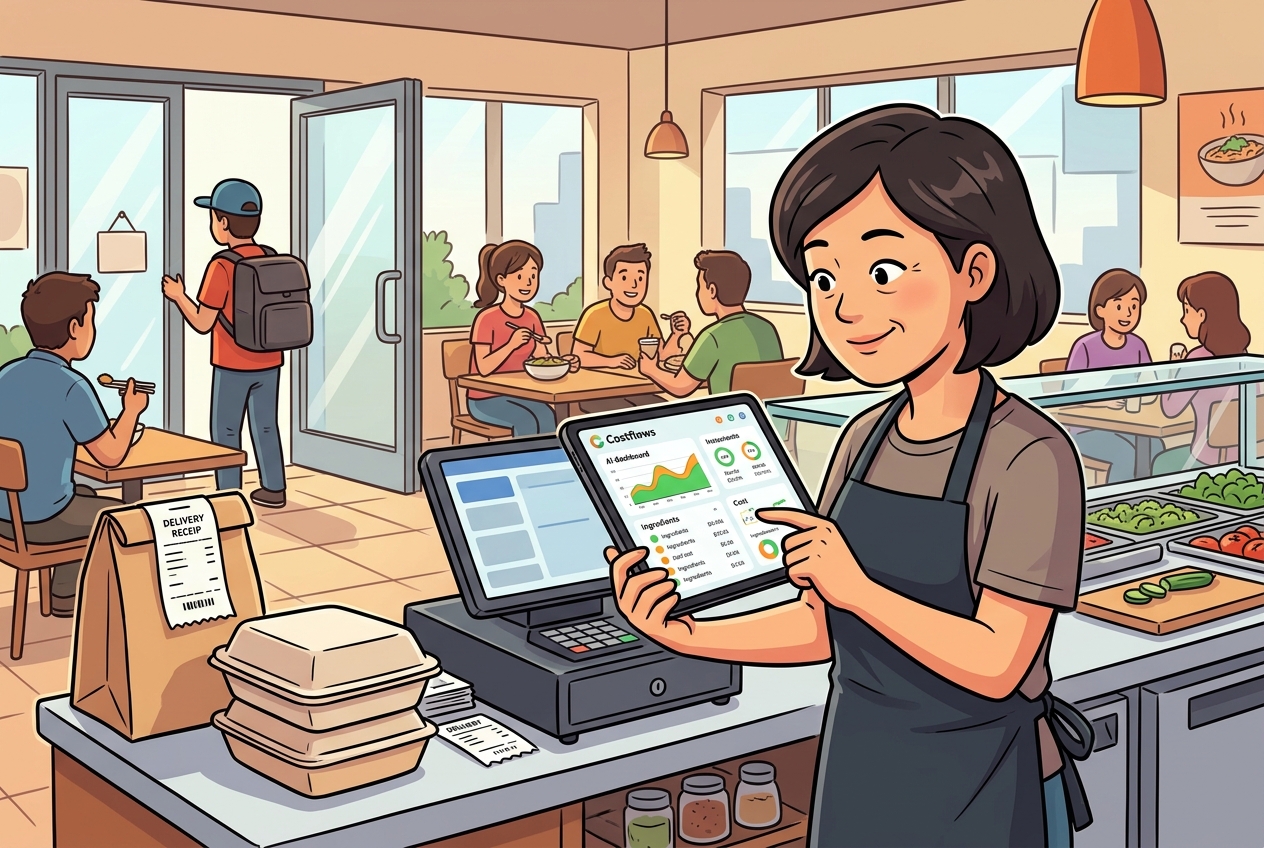
We’ve all seen this scenario: the manager tracks purchases in Excel, the kitchen uses a separate prep sheet, the stockroom texts inventory counts over WhatsApp, and the accountant spends the end of the month chasing down missing invoices. On paper, every department has the data. In reality, no one can answer the most critical question: Is our gross margin dropping today? This is the core disadvantage of managing a restaurant with Excel—it's not about lacking records; it's that the data is not real-time, accurate, or connected enough to drive decisions.
Excel isn't inherently bad. For a single-location spot with a small menu and simple purchasing, starting out with Excel to control costs is low-barrier, quick to learn, and doesn't require extra software. But as soon as you scale to multiple suppliers, daily deliveries, price fluctuations, inventory waste, and stock transfers, Excel’s limitations shift from "slightly annoying" to "directly eating into your margins."
The Problem with Restaurant Excel Management Isn’t the Spreadsheet Itself
Many owners assume the problem is employee carelessness, but it’s actually the tool itself failing to match the speed of restaurant operations. Excel is great for organizing static, historical data, but it is poorly suited for the fast-moving, high-pressure reality of a kitchen.
Purchasing, receiving, inventory, wastage, transfers, and bookkeeping are parts of a continuous pipeline. The moment one of these steps relies on manual back-entry, the data chain breaks. What you see in Excel is a "tidied-up history lesson," not what is happening on the floor right now. When data entry lags by half a day, a full day, or even a week, a clean spreadsheet won't stop costs from spiraling out of control.
In reality, Excel is rarely the only tool. Most restaurants juggle paper invoices, phone snapshots, WhatsApp orders, supplier receipts, and several conflicting versions of an Excel sheet. Under this setup, the hardest part isn't building the spreadsheet—it's chasing the data.
Pain Point 1: Too Much Manual Data Entry, Making Errors Inevitable
The most expensive part of restaurant management isn't software; it's labor. Typing a purchase order, re-entering the invoice, and double-checking it at month-end means entering the same data three times. The chances of error multiply with each step.
It’s easy to make mistakes: typing the wrong unit size, skipping a quantity, misplacing a decimal point, or using inconsistent supplier names. If "beef tenderloin," "angus tenderloin," and "tenderloin portions" are treated as three separate line items in Excel, you won't get a clean picture of your total volume or average unit cost.
The worst part about these typos is that they don't show up immediately. They hide until the end of the month when you're reconciling inventory, calculating food cost percentages, or reviewing menu profitability. By then, it's too late to pinpoint whether the mistake happened at purchasing, receiving, prep, or waste.
Pain Point 2: Excel Records History, But It Can't Alert You to Price Fluctuations
Ingredient prices don't wait for a monthly update. Seafood, produce, meat, and cooking oils can fluctuate within a single week. If you rely on manual Excel updates, you usually find out costs went up only after looking at the monthly report—long after the margin has been eroded.
This lag directly impacts your bottom line. You might think a dish is highly profitable, while the ingredients have quietly increased in price over the past two weeks. Excel can hold price lists, but it won’t proactively flag anomalies. Without instant alerts, purchasing decisions rely entirely on memory and gut feeling.
For a single restaurant, this might mean a slightly lower profit. For multi-unit chains or central kitchens, it is a daily, compounding drain on cash flow.
Pain Point 3: Your Inventory Numbers Exist, But They Aren't Reliable
Most restaurants keep an inventory spreadsheet, but few actually trust the numbers. That’s because Excel is not a real-time system. It depends on staff manually counting stock and back-entering it, or back-of-house teams compiling records later.
Meanwhile, the kitchen deals with daily portion errors, spoilage, staff meals, and transfers. If these aren't recorded instantly, the spreadsheet inventory becomes purely theoretical. Theoretical stock is fine for meetings, but you can't use it to place accurate orders or spot unusual wastage.
When theoretical inventory and physical stock drift apart, you run two risks: stockouts that hurt your customer experience, or over-purchasing that ties up cash and turns into waste. Both issues stem from the same root: delayed data.
Pain Point 4: Too Many Versions, No Single Source of Truth
Excel works great for one person, but it gets messy with multiple collaborators. The manager edits one version, the buyer saves another, and accounting works off an older file. Even on a shared cloud drive, formatting rules and update times vary.
The result? Different departments argue over the same numbers. The kitchen blames purchasing for high costs, purchasing claims the kitchen is wasting prep, and accounting can’t get the invoices to match. When everyone holds a different Excel sheet, you lose a standardized baseline.
The biggest danger isn't that mistakes happen—it's that you can't trace them. Without a unified source of truth, there is no accountability. Managers spend more time debating whose version is correct rather than solving the actual cost problem.
Excel Shortcomings Ultimately Show Up in Your Profit Margins
It's tempting to think of Excel's limitations as just "administrative friction." But in hospitality, administrative lag quickly translates into margin pressure.
Slow invoice processing delays food cost visibility. Inaccurate inventory makes waste impossible to track. Static recipes fail to reflect current ingredient prices, skewing menu costing. And without quantifiable supplier performance metrics, you won't know which vendor is consistently delivering short, raising prices, or showing up late.
These aren’t isolated issues; they are links in a broken data chain. You still get reports, but they are too late to help you make today’s decisions. Finding out about a problem weeks later is barely better than not knowing at all.
When Can You Keep Using Excel?
To be fair, not every restaurant needs to ditch spreadsheets immediately. If you run a single-unit shop with low SKU counts, stable suppliers, and hands-on owners managing stock daily, Excel serves as a reasonable starting point.
However, once you add locations, pass 10 suppliers, handle high daily invoice volumes, rotate menus frequently, manage multiple stockrooms, or find your end-of-month reconciliation taking too long, Excel has hit its limit. Forcing spreadsheets to work at this scale just drains more team hours.
The Solution: Stop Building More Spreadsheets, Start Standardizing Processes
True cost control doesn't come from a more complex Excel formula; it comes from reducing manual transcription, unifying data entry, and getting buying, kitchen, and finance on the same page.
This change starts on the floor. Imagine uploading invoices with a quick photo during delivery, purchasing directly from a mobile device, recording waste immediately, and having system-generated price alerts automatically update recipe costs. When these events connect on a single platform, management sees true food costs in real time instead of waiting for month-end reconciliation.
Platforms like Costflows are built specifically to bridge these gaps. It’s not just about turning Excel digital; it's about using OCR and structured data to turn tedious invoice entry and reconciliation into a standard, automated workflow. For managers, it saves time chasing invoices; for chefs, it highlights actual yields; for buyers, it tracks vendor pricing; and for owners, it gives visibility over margin changes before it is too late.
Restaurant operators rarely lack numbers; they lack actionable, real-time data. If your team is spending more time updating sheets than fixing food cost issues, it's a clear sign to upgrade. Standardizing your workflow early is the easiest way to secure your margins.
Frequently Asked Questions (Q&A)
Q1: What are the main disadvantages of using Excel for restaurant cost control?
A1: The main disadvantages include high error rates from manual data entry, delayed visibility into ingredient price changes, and unreliable inventory data due to delayed updates. Additionally, managing multiple spreadsheet versions across departments makes end-of-month reconciliation slow and prone to disputes.
Q2: When should a restaurant upgrade from Excel to an automated cost management system?
A2: You should consider upgrading when your restaurant expands to multiple locations, handles more than 10 suppliers, experiences high daily invoice volumes, or requires multi-location stockroom tracking. If your management team needs daily profitability insights instead of delayed monthly reports, it is time to upgrade.
Q3: How does Costflows solve manual invoice entry and inventory tracking issues?
A3: Costflows uses advanced AI and OCR technology to instantly scan and extract line-item details from paper invoices, eliminating manual data entry. It tracks real-time inventory, flags price fluctuations, and syncs directly with accounting platforms like QuickBooks and Xero, keeping your kitchen, buying, and finance teams perfectly aligned.
.png)

訂閱最新消息
不要錯過任何餐飲的資訊