Once a restaurant group expands beyond three locations, ordering becomes far more complex than just "whoever runs out places an order." Especially when running a Central Kitchen model, if the division of labor between the kitchen and the stores isn't clearly defined, chaos ensues—duplicate orders, stock discrepancies, constant firefighting, and accounting nightmares. This isn't just a communication issue; it’s a failure to standardize your data and processes.
You can't manage this with experience alone, and certainly not via a messy group chat saying, "Can I get 20 lbs of chicken thighs?" If roles overlap, no one takes ownership; if they are too rigid, stores can't react to sales fluctuations. The solution isn't to centralize all power, but to clearly define the specific "nodes" of your workflow: who initiates, who approves, who procures, and who reconciles.
Why Central Kitchen-to-Store Ordering Often Spirals Out of Control
The problem is rarely that "no one is working"; it’s that too many people are doing the same thing. Store managers order by sales, chefs order by "feel," and the procurement team works off historical data—all while the Central Kitchen tries to keep up.
Furthermore, many restaurants treat their central kitchen like a giant warehouse rather than a production hub. If you rely on manual tracking methods like paper or phone calls, you’ll never get your costs to align at the end of the month. The root cause is almost always a lack of systemic structure.
The Core Strategy: Focus on Nodes, Not Just Roles
True efficiency comes from splitting the workflow into actionable steps:
1. Stores request, but don’t define procurement specs
Store managers know their local demand, so they should initiate requests. However, they shouldn't dictate unit conversions or supplier choices. Stores should only submit standardized requests—items, quantities, and timing—while the system handles the backend rules.
2. The Central Kitchen produces, it doesn't "guess"
The Central Kitchen’s job is to consolidate multi-store demand into a production plan. If stores are responsible for their own forecasting accuracy, the Central Kitchen can focus on production efficiency and quality control.
3. Procurement manages the big picture
The purchasing team should only receive verified, consolidated orders. This allows them to leverage bulk pricing and monitor price fluctuations, rather than chasing down individual emergency requests from every location.
How to Build a Fail-Safe Ordering Workflow
The system should suggest orders based on historical data and current stock. Managers then verify these, and once approved, the system automatically splits the demand into internal production tasks and external purchase orders. When deliveries arrive, stores confirm receipt—closing the loop on data and accountability.
Data-Driven Management is the Only Path to Scale
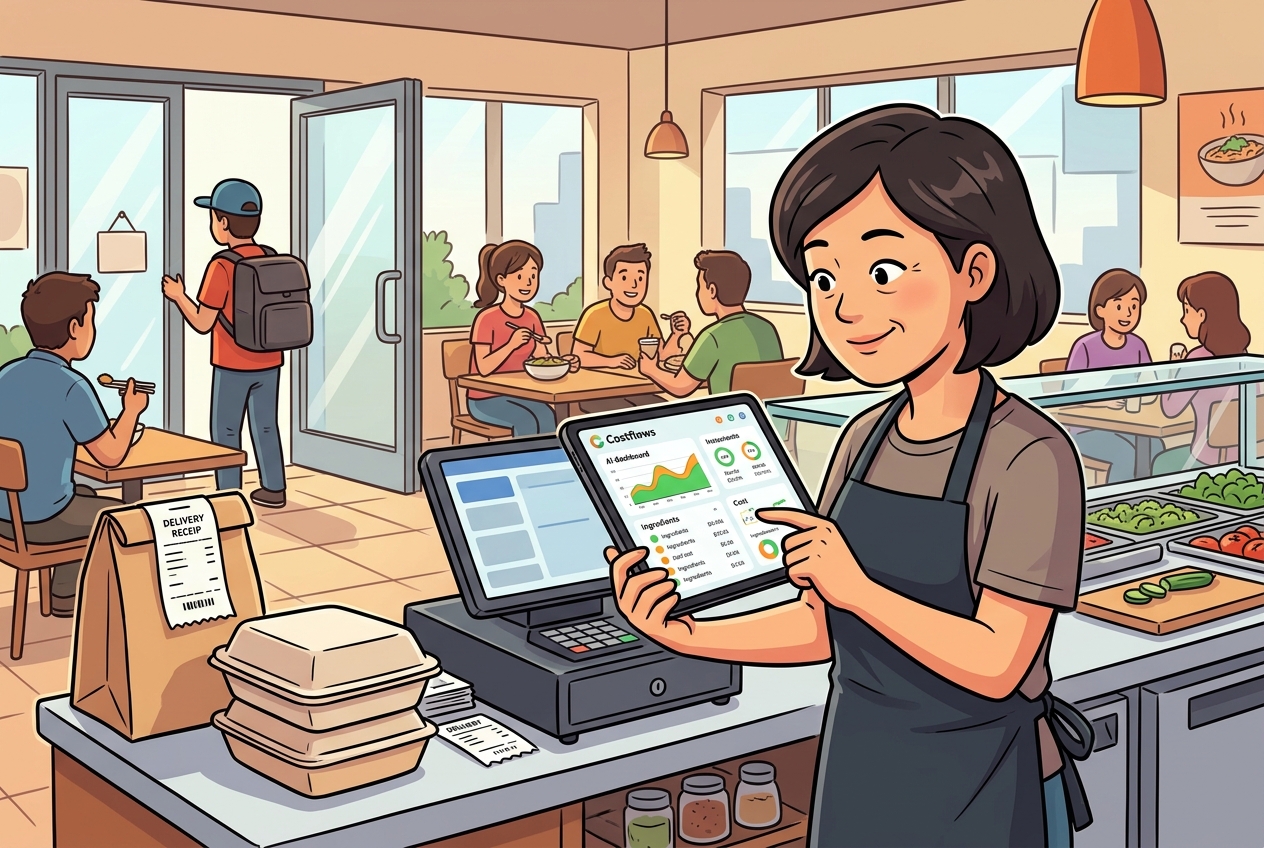
When your ordering data lives in spreadsheets or text messages, your processes will inevitably break. Using tools like Costflows doesn't just replace manual entry—it places procurement, inventory, production, and accounting into a single, logical flow.
If you are struggling with frequent stockouts, misorders, or reconciliation headaches, your current workflow has likely outgrown your business. By integrating your central kitchen and stores into one trackable data stream, you stop the internal "leaks" that eat away at your profit margins.
.png)

訂閱最新消息
不要錯過任何餐飲的資訊